
Integrations
Zwift + RestOrTrain
RestOrTrain connects with Zwift both ways: your Zwift rides arrive in RestOrTrain on their own, and the workouts on your RestOrTrain plan are sent to Zwift so they're ready when you ride. Here's how to connect and what each setting does.
Connect Zwift
- Open RestOrTrain and go to Settings → Data Sync.
- Find Zwift in the Integrations list and tap Connect.
- Sign in to Zwift and grant access.
- That's it - Zwift shows as Connected.
What each setting does
Once connected, tap Zwift in Data Sync to manage it. Sync virtual activities and Send workouts are both on from the start:
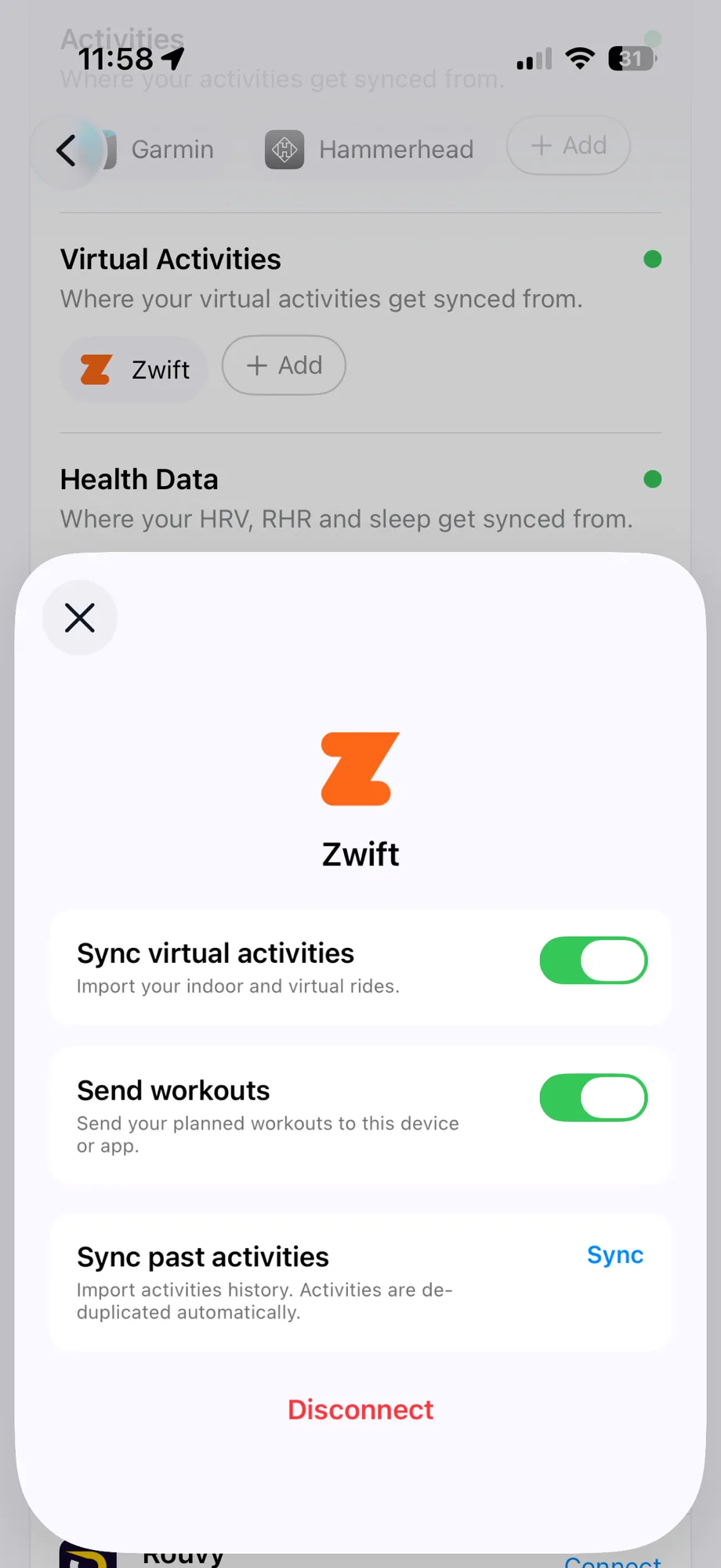
- Sync virtual activities
- Imports your indoor and virtual Zwift rides into RestOrTrain automatically.
- Send workouts
- Sends the cycling workouts on your RestOrTrain plan to Zwift, ready to ride on the day they're scheduled.
- Sync past activities
- Imports your last 90 days of Zwift rides. Duplicates are removed automatically.
- Disconnect
- Removes the Zwift connection and takes your pushed workouts off the Zwift calendar.
How it works
After you finish and save a ride in Zwift, it appears in RestOrTrain on its own - no import needed. RestOrTrain reads it as soon as it arrives, the same as a ride from any other source.
Planned workouts appear on your Zwift home screen on their scheduled day - look for the name starting with "RestOrTrain:" - so you can start them straight from the game. If your plan changes, Zwift is updated to match: moved workouts appear on their new day, and removed ones disappear.
If the same ride reaches RestOrTrain from more than one place - for example Zwift and Garmin - it's kept once, not twice, so your training history stays one clear picture.
Need help?
Something not syncing the way you expect? Send a note through the feedback form in the app, under Settings. Every message is read by a real person on our team, and we'll get back to you.
Last updated September 22, 2026 · More FAQs